

Channels
Viking IPTV Channels and Content Categories
Your player app sorts everything into three areas — live TV, films and series — and splits live TV into categories so that you are not scrolling one endless list. Here is how that is organised and how to check for a particular channel before subscribing.
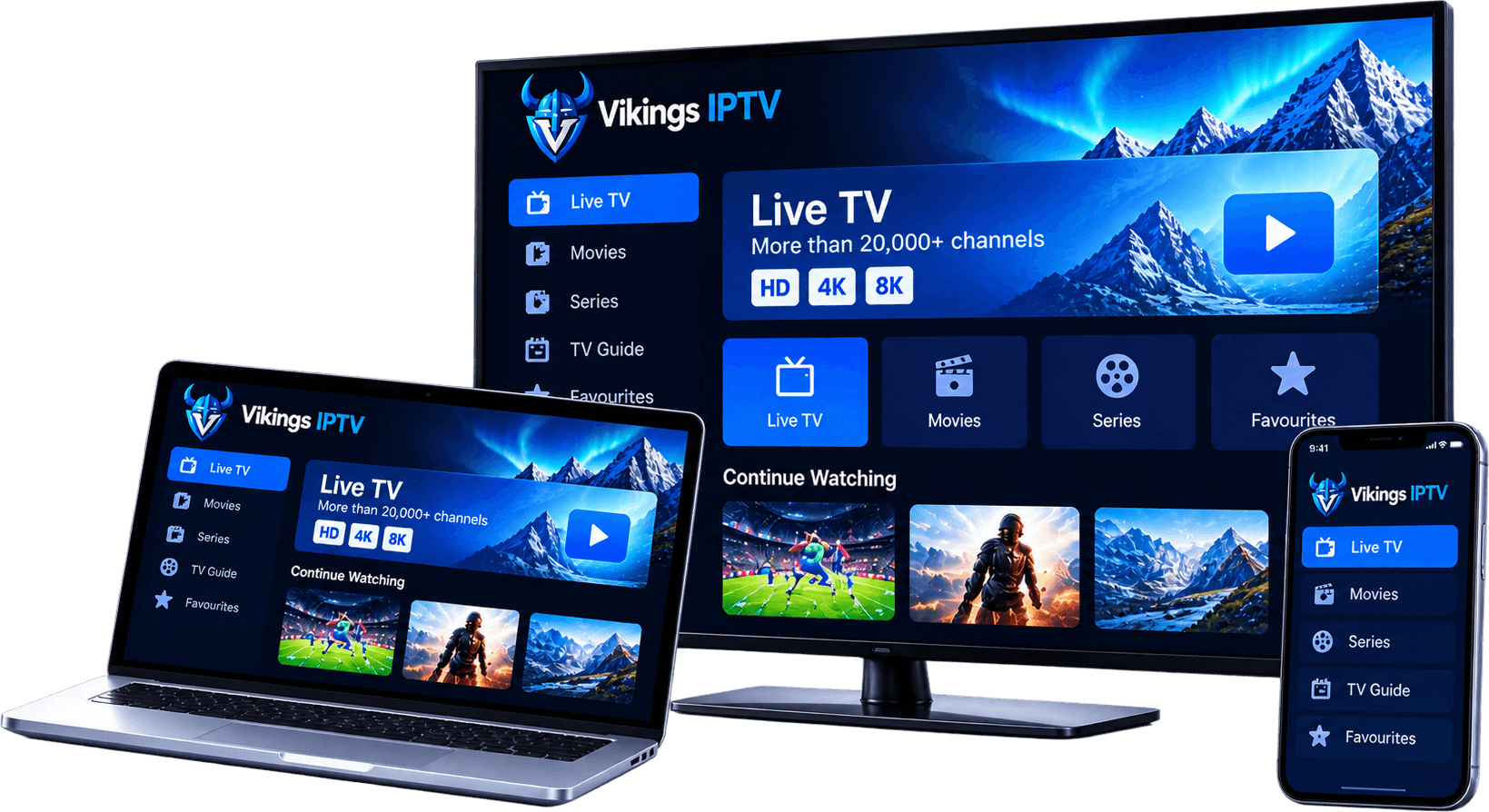
Live TV categories
News
Rolling news and current affairs, usually grouped by country and language.
Sport
Live events and sports channels. Availability of any event depends on the rights held for your country.
Entertainment
General entertainment, drama, comedy and reality channels.
Films
Linear film channels, separate from the on-demand film library.
Kids & family
Children's channels, which most players let you lock or isolate behind a PIN.
Documentary & lifestyle
Factual, nature, history, food and travel programming.
Music
Music video and radio-style channels.
International
Channels arranged by country or language for viewers who follow television from abroad.
Ask before you buy
Live TV, films and series
Live TV plays channels as they are broadcast, with a programme guide showing what is on now and next.
Films and series are on-demand libraries with posters and descriptions; series are arranged by season and episode.
With an Xtream Codes login all three load together. With an M3U playlist some players show everything in one list — see M3U vs Xtream Codes.
How to check a channel
- Write down the channels and competitions your household actually watches.
- Send the list to support with your country.
- Start with the shortest plan so you can check the line-up on your own devices.
- Use the search and favourites features in your player app to build your own short list.
Channel questions
Is there a full Viking IPTV channel list?
Line-ups change, so we do not publish a static list that could be out of date. Tell us the channels that matter to you and we will confirm whether they are currently included before you pay.
Are the channels the same in the UK, Sweden and the USA?
Your login shows the same categories wherever you sign in. Which programmes can be shown in a country depends on the rights for that country, so availability of individual channels or events can differ.
Can I hide categories I do not watch?
Yes. Most player apps let you hide or reorder groups and build a favourites list, which also makes the app load faster on Smart TVs and streaming sticks.
Why does a channel show no programme information?
Guide data is matched to channels by an ID. If a channel has no match, it plays normally but shows an empty guide row. Refreshing the guide in your player often fixes it.
See what a plan costs
Every plan includes the same categories. Choose the length and number of screens.